Activity properties
You can find these properties when adding (or editing) an activity to a duty.
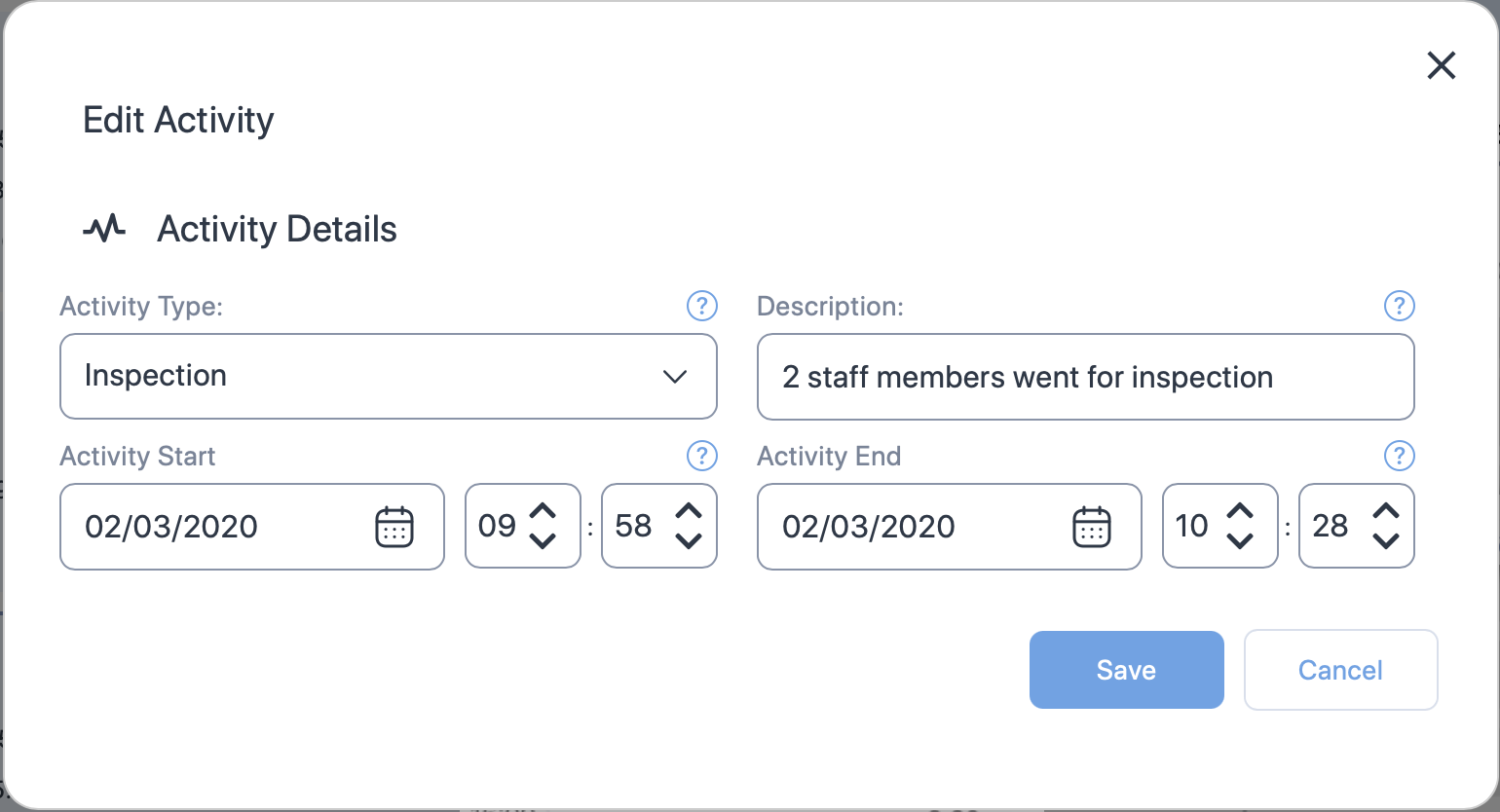
| Property (* required) |
Description |
|---|---|
| Activity type* | Choose the type of activity from the dropdown. Click here to see the available types. |
| Description | Add a short description about or comment on the activity. You can also add the number of staff members who performed the activity. |
| Activity start date and time* | The activity start date. Use the date time controls to set the date and time. |
| Activity end date and time* | The activity end date. Use the date time controls to set the date and time. |